Introduction
Agentr.ee makes it easy for real estate agents to build a professional one-page website in just minutes. By creating your free account, you’ll have a personalized link to share with clients, showcase your listings, and highlight your brand, all without needing technical skills.
Step-by-Step Instructions
- Go to the Registration Page
Visit agentr.ee/register.
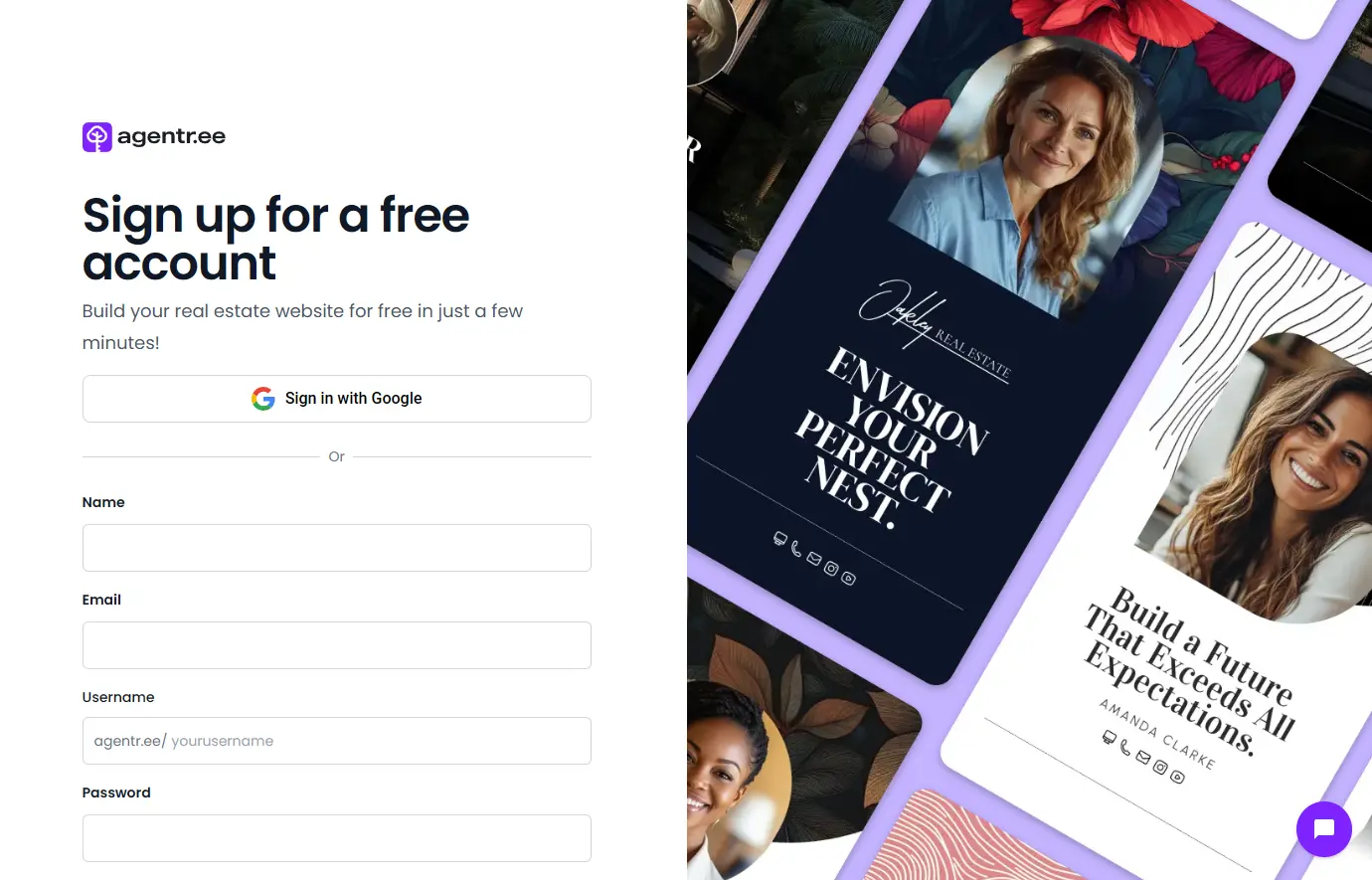
- Choose How to Sign Up
- Click Sign in with Google to use your Google account.
- Or, fill in your Name, Email, Username, and Password and then confirm your password.
- Set Up Your Username
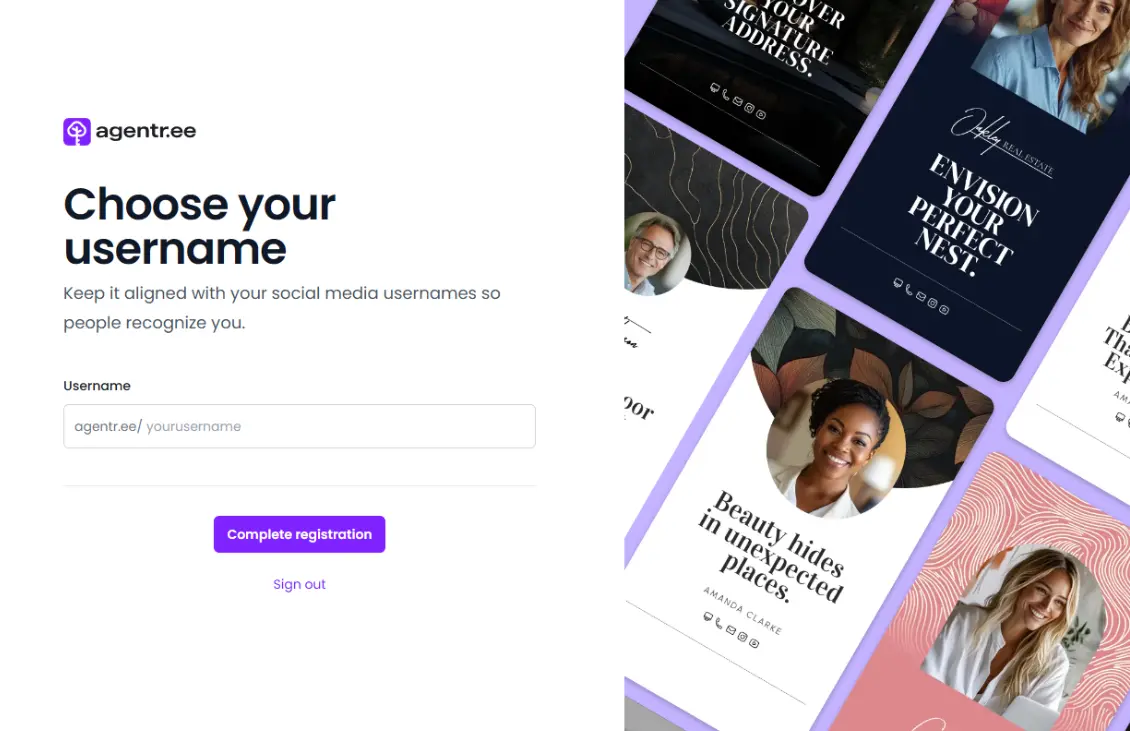
If you sign up with Google, you’ll be asked to choose a username.
- Enter a simple, recognizable username (for example, your name or business name).
- Your page will be accessible at agentr.ee/yourusername.
- Complete Registration
Click the Complete registration button.
- Pick a Template
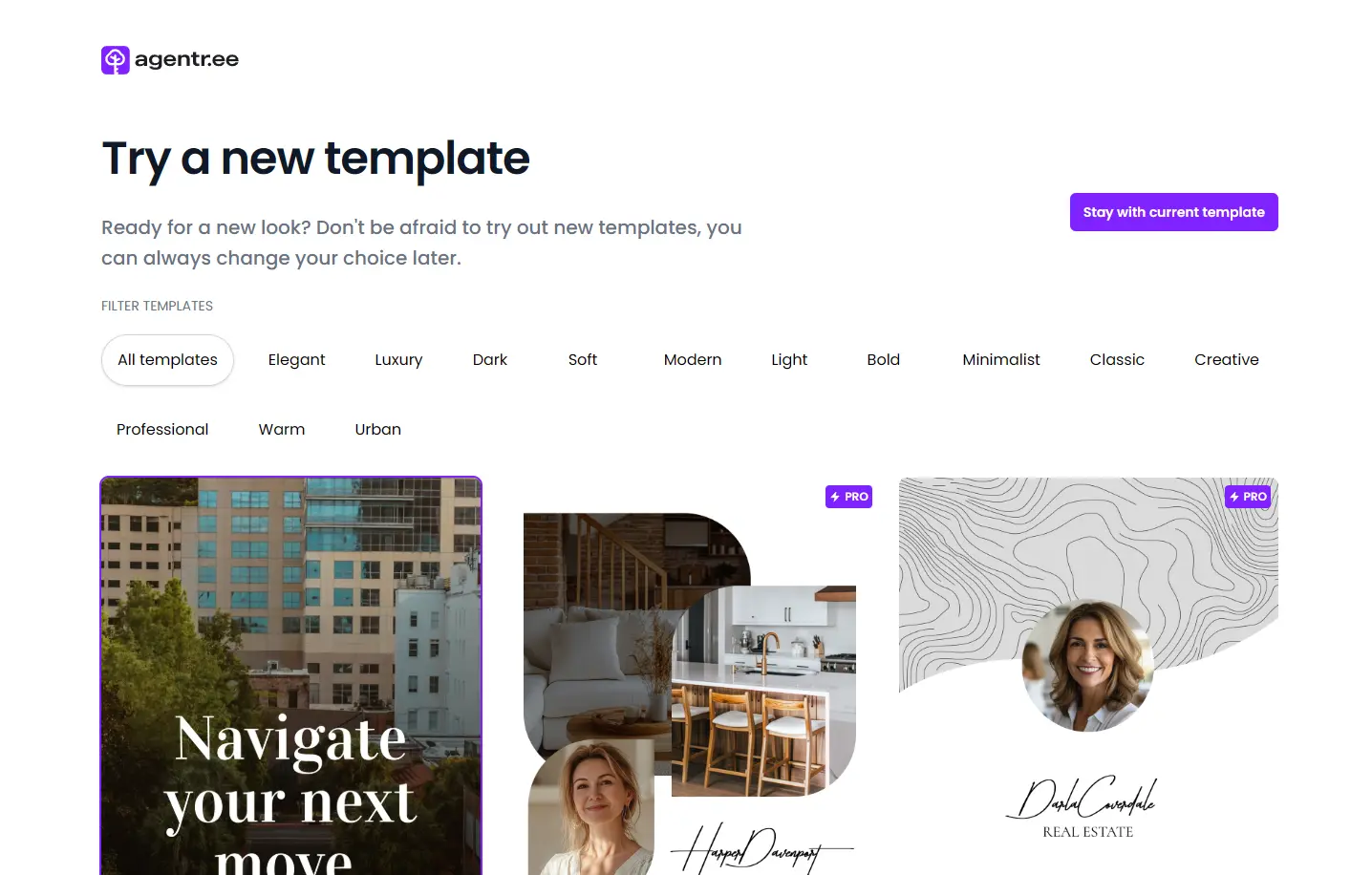
After registering, you’ll be directed to select your starting template.
- Browse through categories like Elegant, Luxury, Modern, or Creative.
- Click a template to preview it.
- You can also choose Start with default template if you prefer to skip this step now.
- Note: Free accounts include access to one starter template. Pro accounts unlock a library of 65+ professionally designed templates to choose from.
- You’re All Set!
Your new Agentr.ee account is ready. You can now customize your page, upload your photo, and start sharing your link with clients.
Pro Tips / Best Practices
- Keep your username simple and consistent. Use the same handle you have on Instagram or Facebook so clients can easily recognize you.
- Don’t stress about your template choice. You can change it anytime later in Settings.
- Secure your account. Use a strong password if you don’t sign in with Google.
FAQ / Troubleshooting
Q: Can I change my username later?
A: Yes, you can update your username in Settings > Account. Keep in mind your public link will change too.
Q: Do I need to pick a template right away?
A: No. You can start with the default template and update your design later at any time.