Mobile Editing Suites 2026: The CapCut vs. InShot Showdown for High-Volume Realtors
TL;DR
- Workflow Velocity: CapCut dominates for trend-heavy, high-velocity Reels, while InShot remains the king of clean, "Raw" aesthetic property walkthroughs.
- AI Integration: 2026 CapCut features advanced "Entity Recognition" and auto-captions, whereas InShot prioritizes manual "Human Signature" precision.
- Feature Density: CapCut offers deep generative AI tools (AI backgrounds/voiceovers); InShot offers a lower-friction interface for quick, street-level updates.
- The Final Verdict: Use CapCut for "Aspiration" and brand growth; use InShot for "Trust" and rapid-fire community management.
Speed is everything. The ability to shoot, edit, and post a property tour from your car is a superpower.
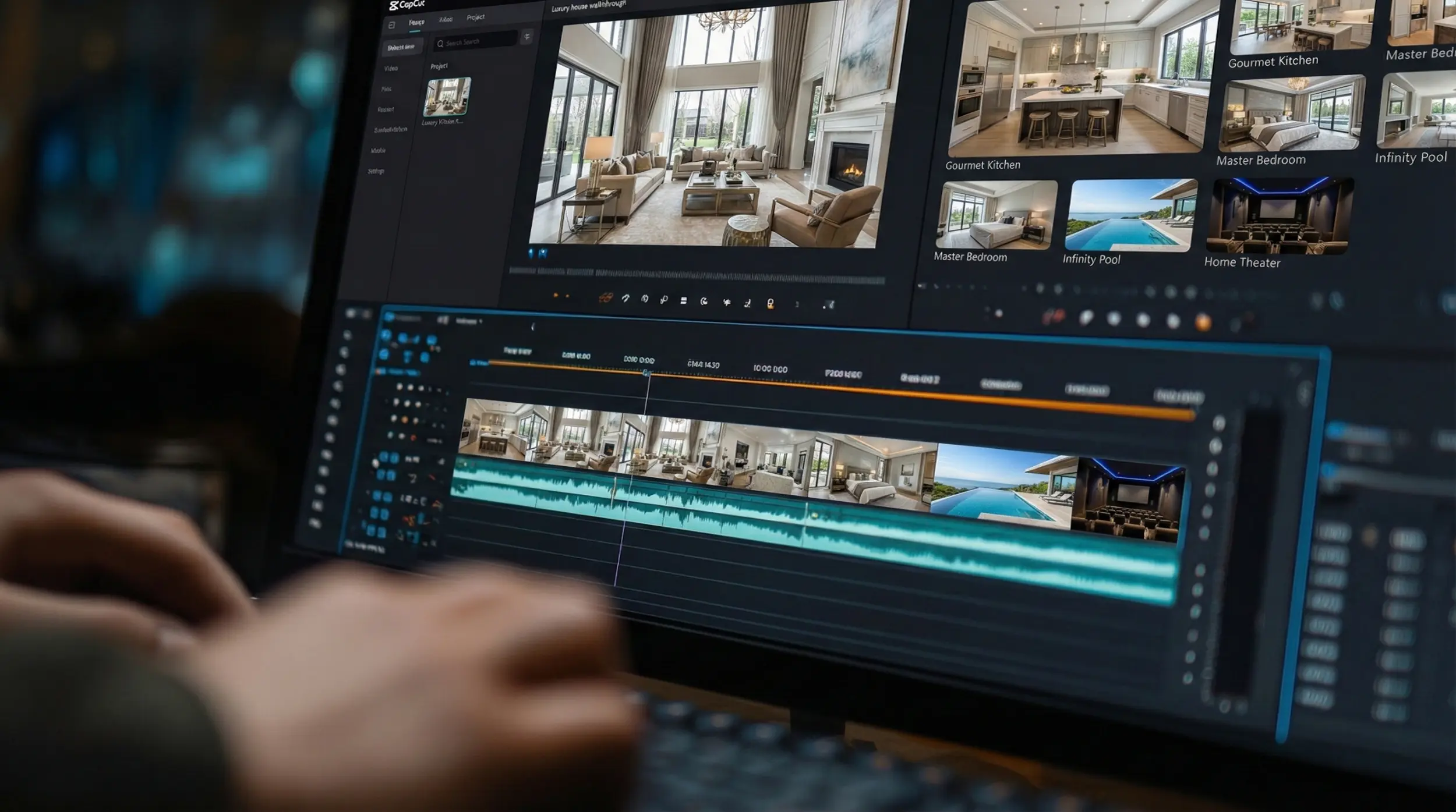
The era of the $100-an-hour professional editor is officially a luxury, not a necessity.
If you are still sending your raw property footage to a third party and waiting forty-eight hours for a "final cut," you are losing the Instagram for Realtors war. In 2026, the market moves at the speed of the scroll. By the time your editor finishes that cinematic transitions pack, the "Vibe" of the listing has already been captured by a competitor with a smartphone and a thumb.
The question for 2026 isn't if you should edit on your phone, but which ecosystem you should inhabit. The battle lines are drawn between two giants: CapCut and InShot. One is a powerhouse of AI-driven flair; the other is a reliable, high-speed blade. Choosing the wrong one isn't just a technical glitch, it’s a drain on your most valuable asset: time.
CapCut: The AI Powerhouse for the Tech-Forward Executive
In 2026, CapCut has moved far beyond being "the TikTok app." It has evolved into a sophisticated Generative Engine Optimization (GEO) tool. If your goal is to grow your sphere of influence by riding the wave of "Aesthetic Perfection," CapCut is your weapon of choice.
Why? Because it thinks for you.
CapCut’s 2026 suite features advanced "Entity Recognition." It can identify a kitchen island, a primary suite, or a backyard pool and suggest the exact "Vibe-Coded" music and transitions that match that specific property type. For the agent who wants their content to look like a $5,000 production without the $5,000 bill, CapCut’s AI-generated voiceovers and auto-captions are non-negotiable. It allows you to produce "High-Data Citations" by overlaying market stats with a single tap.
However, there is a risk. CapCut content can sometimes feel too polished. If you aren't careful, you can fall into the "Dumb Content" trap where the editing overshadows the expert. It’s a tool for the visionary, but it requires a human hand to keep it grounded.
InShot: The King of the Raw, "Human Proof" Aesthetic
If CapCut is a Tesla, InShot is a vintage Porsche. It’s manual, it’s tactile, and in 2026, it is the secret weapon for the Neighborhood Specialist.
While CapCut tries to automate the "Soul" out of your videos, InShot excels at the "Raw" aesthetic. It is arguably the best tool for the 60-second handheld walkthrough. Its interface is designed for speed, trimming, splitting, and adding "Human Signature" text overlays without the AI-bloat.
For the agent sitting in their car recording a "Car Chat" about the latest closing ratios, InShot is faster. It doesn't distract you with thousands of trending templates. It focuses on the basics: clear audio, sharp cuts, and mobile-optimized framing. In the 2026 "Death of Perfect" landscape, the simplicity of an InShot edit often feels more trustworthy to a local buyer than a flashy CapCut production. It’s the tool for the "Digital Mayor" who values transparency over trends.
The Staging Transformation: A Technical Split
Let’s look at a specific real estate scenario: The Staging Transformation Reel.
In CapCut, you can use "Overlay" and "Masking" features that are almost on par with desktop software. You can create a seamless transition where an empty room "grows" furniture as you walk through it. It’s high-dopamine, high-retention content.
In InShot, you’re more likely to use a "Jump Cut" or a side-by-side comparison. It’s less "magical," but it feels more "real." Which one wins? It depends on your niche. If you are selling $5M penthouses, use CapCut’s magic. If you are selling a "Fixer-Upper" to a savvy investor, use InShot’s grit. The investor wants to see the reality; the luxury buyer wants to see the dream.
Audio: The 2026 Dealbreaker
We’ve discussed before that 2026 consumers will forgive a grainy image, but they will never forgive bad audio.
CapCut’s AI audio cleaning is revolutionary. It can take a video filmed on a windy balcony and make it sound like you’re in a recording studio. This is a massive win for neighborhood spotlights where street noise is an issue. InShot’s audio tools are competent but lack that "Deep-Fake" level of cleanup. If you are filming in high-noise environments, CapCut saves the day. If you are filming in a quiet, staged home, InShot’s natural acoustics maintain that essential personal branding warmth.
Workflow and "The Thumb" Experience
How many taps does it take to get from "Raw Footage" to "Posted Lead Magnet"?
InShot wins on Workflow Velocity. Its timeline is intuitive for the busy broker who is editing in the elevator between appointments. CapCut, with its endless layers and AI sub-menus, can sometimes lead to "Edit Paralysis." You can spend forty minutes perfecting a 7-second clip.
Successful agents in 2026 batch their work. They use InShot for their daily "Street-Level Intelligence" updates and save CapCut for their weekly "Pillar Content" and luxury portfolio tours. They don't let the tool dictate their schedule; they use the tool that fits the intent of the video.
The ROI of the Edit
Ultimately, your lead gen doesn't care about your software. It cares about your authority.
Both apps allow you to add Link-in-Bio calls to action. Both allow you to optimize for Instagram SEO. But only one allows you to stay consistent. If CapCut feels too heavy and prevents you from posting daily, delete it. If InShot feels too limited for your high-end brand, upgrade.
In 2026, the "Winner" is the agent who understands that the edit is just the delivery vehicle for the truth. Whether you use AI-refined perfection or raw, handheld authenticity, your goal is to move the user from the "Screen" to the "Street."
The Bottom Line
The choice between CapCut and InShot in 2026 is a choice of architectural intent. If you are building a high-velocity, trend-aligned lead generation machine that leverages AI-driven automation, CapCut is your indispensable partner. It handles the complexity so you can focus on the closing.
However, if your brand is rooted in hyper-local trust and friction-free "Street-Level" updates, InShot’s streamlined interface remains the superior mobile blade. The winner of this showdown isn't the app with the most buttons; it’s the app that allows you to hit 'Export' and get back to your clients the fastest. Choose your weapon based on your workflow, not the hype.